

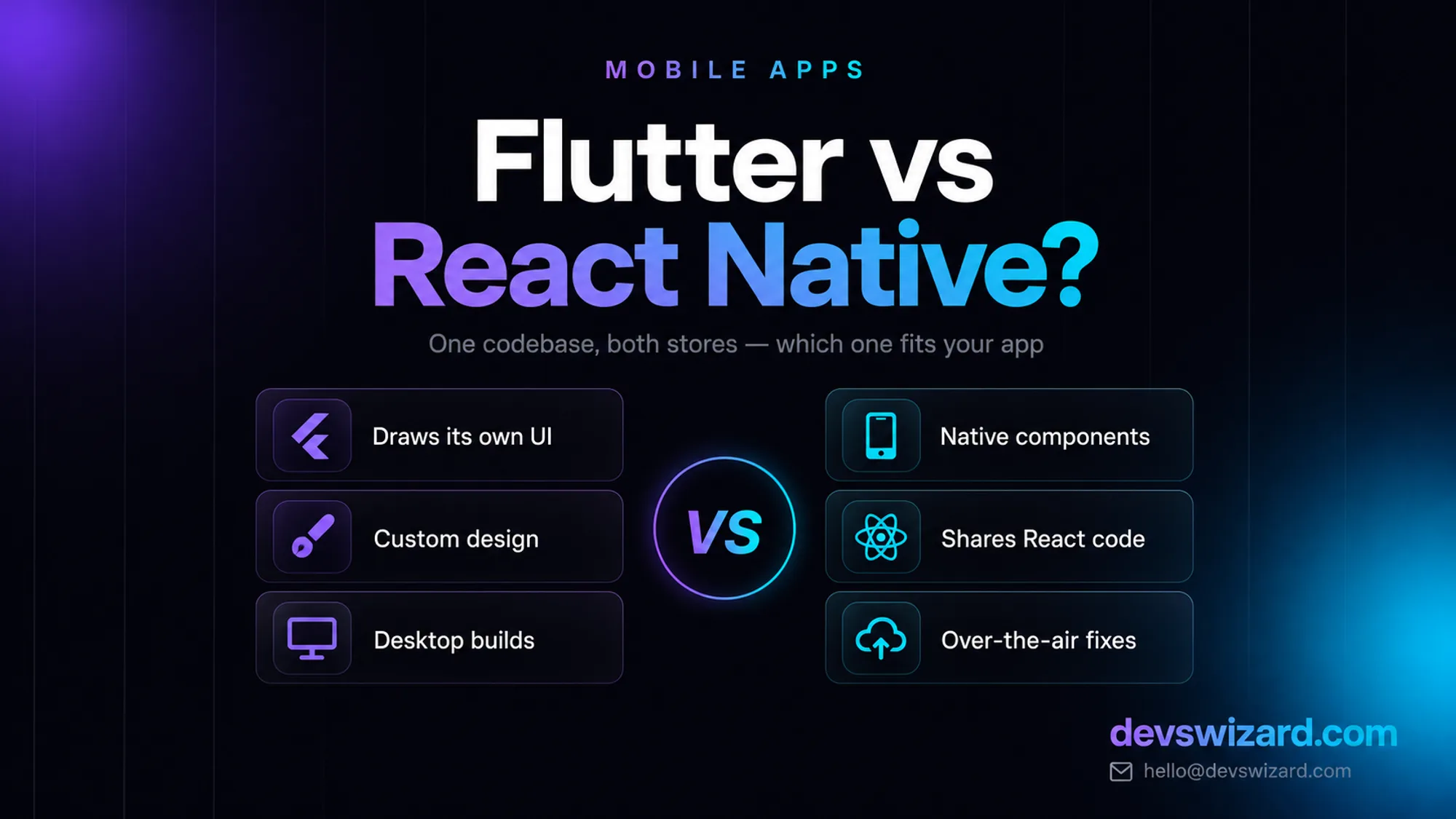
Someone decides to build an app, reads for an evening, and lands on the fork everyone lands on: Flutter vs React Native. One camp says Flutter because it is fast and looks identical everywhere. The other says React Native because the whole world already writes JavaScript. Both are describing their own app, and neither has seen yours.
The short answer: Flutter if the design is unusual, the app leans on animation, and there is no web codebase or JavaScript team to share with. React Native if you already have a React or Next.js site, or you need to push fixes to users without waiting on Apple. For an ordinary booking app or an internal tool, either does the job.
What the choice does not change is the bill. We quote $4,000–$9,000 for a simple app and $9,000–$15,000 for one with payments, offline support and an admin panel — same ranges whichever framework we open, same $99-a-year Apple fee and one-off $25 for Google. Here is how the two actually differ.
Flutter is Google's toolkit. Your developers write Dart, and it compiles ahead of time to native code for both stores. The part that decides everything else: Flutter does not use the platform's own buttons and lists. It draws every pixel of the interface itself.
The trade-off is direct. Because Flutter paints its own widgets, whenever Apple changes how iOS looks, Flutter has to redraw that look afterwards — the glass styling that arrived with iOS 26 in late 2025 was not matched by Flutter's iOS widgets on day one. Feeling current with the operating system is the price of drawing everything yourself.
React Native is Meta's. Your developers write JavaScript or TypeScript with React — the same language and much the same code as a React or Next.js website. That code drives real native components: a list is the platform's list, a switch is the platform's switch.
Two platforms' components means two sets of quirks, so making a heavily custom design match on both takes real work. And most of the "React Native is slow" advice online predates version 0.76, which removed the old JavaScript bridge.
The design is the product. A branded interface with its own motion and shapes, for the price of an ordinary one, on every handset your customers own.
Something on screen is always moving. Live tracking, charts that redraw, a canvas the user draws on. Flutter is comfortably ahead.
Nobody on your side writes JavaScript. No React site, no in-house team — React Native's biggest advantage is then worth nothing to you.
Staff need it on a laptop too. Desktop builds from the same code save a second project.
Flutter is our default for most of the app work we take on: most clients arrive with a design they care about and no JavaScript team waiting to be reused.
You already have a React or Next.js website. The app and the site share code and the same developers. If you are still choosing the foundation for the website itself, CMS or custom website is the decision that comes first.
You need to fix things without waiting for Apple. A JavaScript-level fix ships over the air the same day. On Flutter the equivalent needs a third-party code-push service, or another store review.
The app is a front end for something you already run. A shopping app on top of a store, a portal on top of a booking system — common for WooCommerce and Shopify stores, where the app is catalogue, cart and order tracking.
You want the widest hiring pool. Any React developer is most of the way to a React Native developer. Dart is used for Flutter and little else, so replacing someone mid-project takes longer.
| Factor | Flutter | React Native |
|---|---|---|
| Language | Dart | JavaScript / TypeScript |
| Interface | Draws every pixel itself | Real native components |
| Identical on iOS and Android | Yes, by default | Close, exact match takes work |
| New OS look and feel | Arrives once Flutter redraws it | Arrives with the OS |
| Fix users without a store review | No — needs a paid code-push service | Yes, for JavaScript-only changes |
| Shares code with a React website | No | Yes |
| Hiring pool | Smaller, Dart-specific | Every React developer |
| Heavy animation and graphics | Strongest | Fine, more effort |
| Desktop builds | Stable | Community-maintained |
| Download size | Similar — roughly 5–8 MB of baseline on Android | Similar, and biggest of the two with a full Expo module set |
| Backed by | Meta |
Those figures are approximate, and neither framework decides your download — your images, fonts and libraries do.
Neither is better. Each pays for its strength somewhere else — Flutter buys consistency by giving up native components, React Native buys native components and JavaScript by giving up consistency. Notice what is missing from that table: cost and timeline. Eight to fourteen weeks and the same quote either way. Scope decides those, not the framework.
Often the honest answer is that you do not need an app yet. A fast mobile website costs a fraction of $4,000 and reaches anyone with a browser — no install, no store review, no rejection. An app earns its cost when you need push notifications, offline use, camera or GPS, or when people open it often enough to keep it installed.
The other middle ground: both frameworks let you drop to native code where it matters. An app can be 95% Flutter or React Native with one Swift and Kotlin module for the rest — normal practice for payment hardware, complex Bluetooth or a vendor SDK that only ships native.
Custom design, animation-heavy, no JavaScript team → Flutter.
Existing React or Next.js codebase, or one team across web and mobile → React Native with Expo.
Frequent small fixes and no appetite for App Store review each time → React Native.
Genuinely unsure → Flutter. It is the safer default when nothing pulls the other way, and it is what we choose when a client has no preference.
Worth saying plainly: the framework is nowhere near the biggest risk to your app. Unmaintained apps stop working within about eighteen months as Apple and Google push breaking changes, which is why an app needs a maintenance plan or a named owner from launch day. We earn the same either way, so send us a paragraph about the app for an honest read on framework, scope, cost and timeline within 24 hours.
Not in a way your users will notice. Both compile to native and both hold 60fps on ordinary screens. Flutter pulls ahead when a lot is animating at once; React Native's New Architecture closed most of the gap older comparisons were measuring.
Neither. The quote comes from what the app does. The difference shows up later: sharing a codebase with your website makes React Native cheaper to maintain, while heavy custom design is cheaper to keep in Flutter.
Tell us what you are building. We reply within 24 hours — no sales team, no follow-up sequence.
RAG answers from your content at query time for around $35–$70 a month; fine-tuning bakes knowledge into the model and isn't even offered as a self-serve option on Claude. What your business actually needs, and why it's usually not what you'd guess.
Gumroad takes 10% and Lemon Squeezy roughly 5%, both with no monthly fee; Sellfy and Podia flip that to a $29–$150 monthly charge with 0% cut. What you actually keep on a $79 sale, once a month and at $5,000 a month, decides which one is worth it.
A gym owner asked for a Next.js site because it looked modern on Twitter. What he actually needed was a $500–$7,500 WordPress site for the marketing pages, plus one thing WordPress could never do well.