

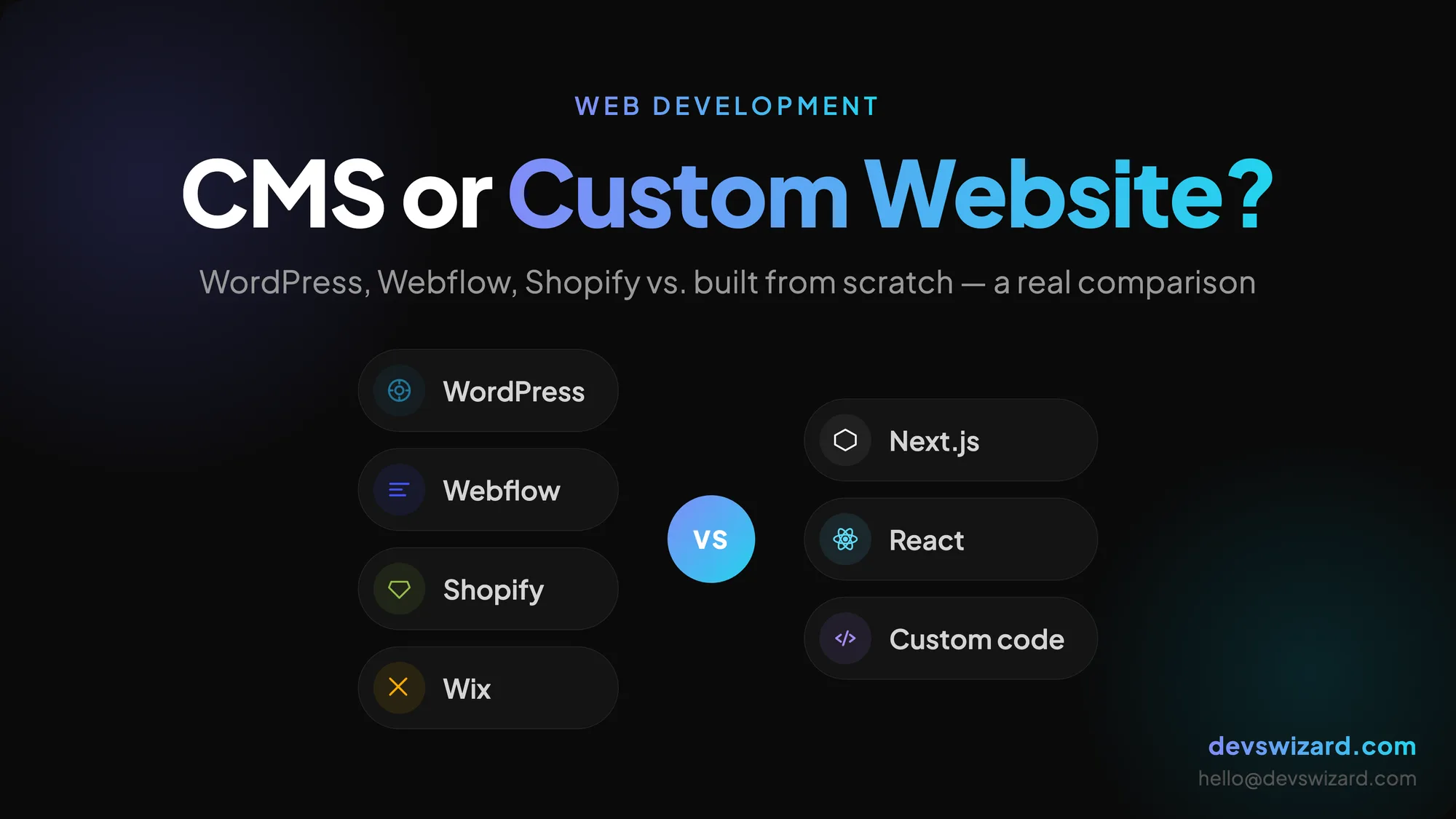
Every week, someone asks us some version of this: "Should I just use WordPress, or do I need something custom built?"
It's a fair question — and the honest answer is: it depends on what you're actually trying to do. Not on what sounds more impressive. Not on what your competitor has. On what you need.
This post breaks it down properly so you can make the call yourself.
A CMS (Content Management System) is software that lets you build and manage a website without touching code. You log in, add pages, upload images, hit publish. Done.
The most common ones you'll come across:
All of these give you a working website faster than building from scratch. That's genuinely useful. But they all come with trade-offs.
A custom website is built from the ground up — usually by a developer or an agency — using code. There's no template to fit into, no plugin to install for every new feature. You define what it does, how it looks, and how it behaves.
Modern custom sites are typically built with frameworks like Next.js, React, or similar tools. They're faster, more flexible, and can do things a CMS simply can't.
But they take longer to build and cost more upfront. That's the honest trade-off.
Use a CMS when:
You need to publish content regularly. If your site is mostly a blog, news portal, or informational site that your own team updates every week, a CMS makes that easy without involving a developer every time.
Speed to launch matters more than uniqueness. If you need something live in two weeks and it doesn't need to do anything unusual, a CMS gets you there.
Budget is tight and the site is simple. A well-configured WordPress or Webflow site can look great and perform well for basic business websites, portfolios, or landing pages.
You want to manage everything yourself. CMS platforms are designed for non-technical users. If you don't want to depend on a developer for every small change, a CMS gives you control.
Go custom when:
Your business logic is specific. If your site needs booking systems, client dashboards, role-based access, custom workflows, or deep integrations with other tools — a CMS will fight you at every step. Custom wins here.
Performance is critical. CMS sites, especially WordPress with lots of plugins, can be slow. A custom-built site using Next.js or similar can be significantly faster, which matters for SEO and user experience.
You're building something that needs to scale. If you expect heavy traffic, complex data, or a product that will grow significantly — a custom foundation is far more stable long-term than a plugin-dependent CMS.
Security is a priority. WordPress is the most hacked CMS on the internet — not because it's inherently bad, but because it's everywhere and people don't update it. A custom site with fewer moving parts is easier to lock down.
You need full design freedom. CMS templates put guardrails on your design. Custom means the design is the brief, nothing more, nothing less.
| CMS (WordPress / Webflow) | Custom Website | |
|---|---|---|
| Time to launch | Fast (days to weeks) | Slower (weeks to months) |
| Upfront cost | Lower | Higher |
| Flexibility | Limited by plugins/templates | Unlimited |
| Performance | Varies (often moderate) | High |
| Security | More attack surface | Easier to harden |
| Scalability | Limited | Built for it |
| Ongoing maintenance | Plugin/theme updates required | Codebase management |
| Best for | Content, blogs, simple sites | Products, SaaS, complex apps |
Neither column is better. They're different tools for different jobs.
Worth mentioning: some sites use a headless CMS. This means the content is managed through a CMS (like Contentful, Sanity, or even WordPress in headless mode) but the frontend is custom-built.
You get the content management ease of a CMS with the performance and flexibility of a custom frontend. It's a solid middle ground for content-heavy sites that still need strong performance.
At Devs Wizard, we've built projects this way when it made sense — and we'll tell you if it's the right fit for yours.
Here's a quick way to think about it:
If your site is mainly informational or content-driven and you want to manage it yourself → go with a CMS.
If your site needs to do something specific that generic tools can't handle well → go custom.
If you're not sure, talk to someone who builds both and can give you a straight answer based on your actual goals — not a recommendation based on what they prefer to sell.
We do both. If you want a second opinion on what makes sense for your project, get in touch — no obligation, just an honest conversation.
Tell us what you are building. We reply within 24 hours — no sales team, no follow-up sequence.
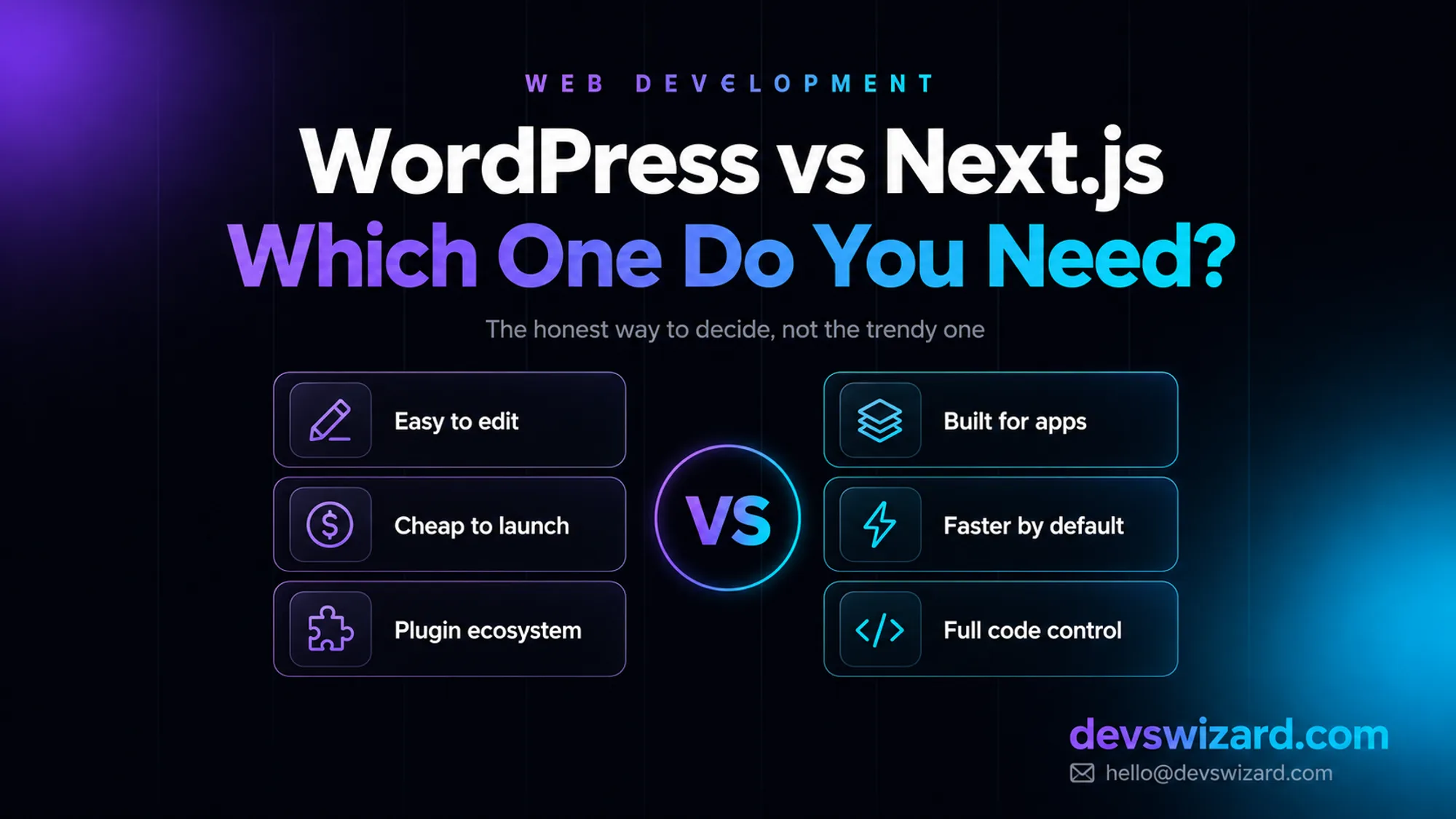
A gym owner asked for a Next.js site because it looked modern on Twitter. What he actually needed was a $500–$7,500 WordPress site for the marketing pages, plus one thing WordPress could never do well.
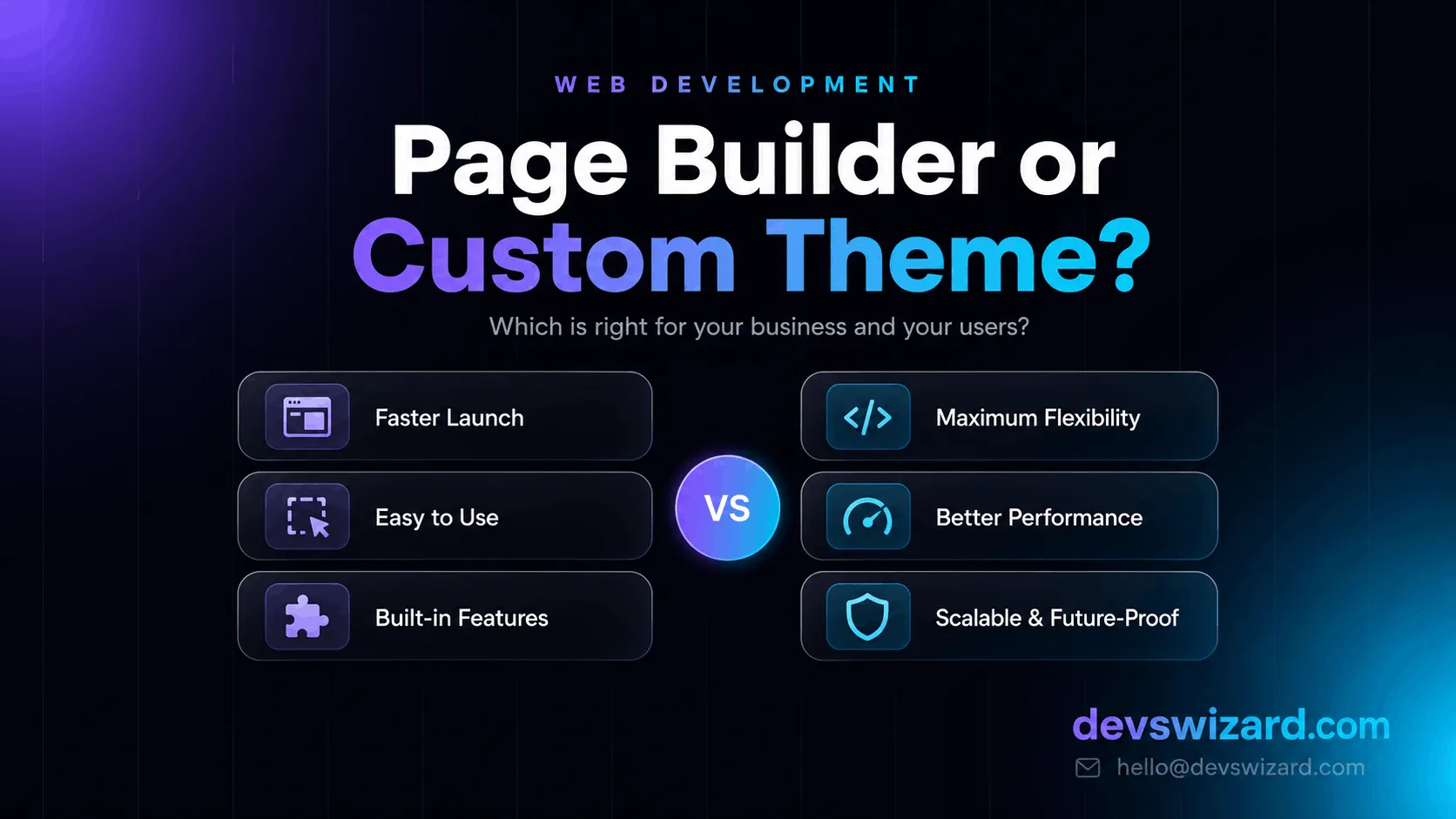
Page builders like Elementor and Divi promise speed, but they come with tradeoffs. Here's how to decide between a page builder and a custom WordPress theme for your business.
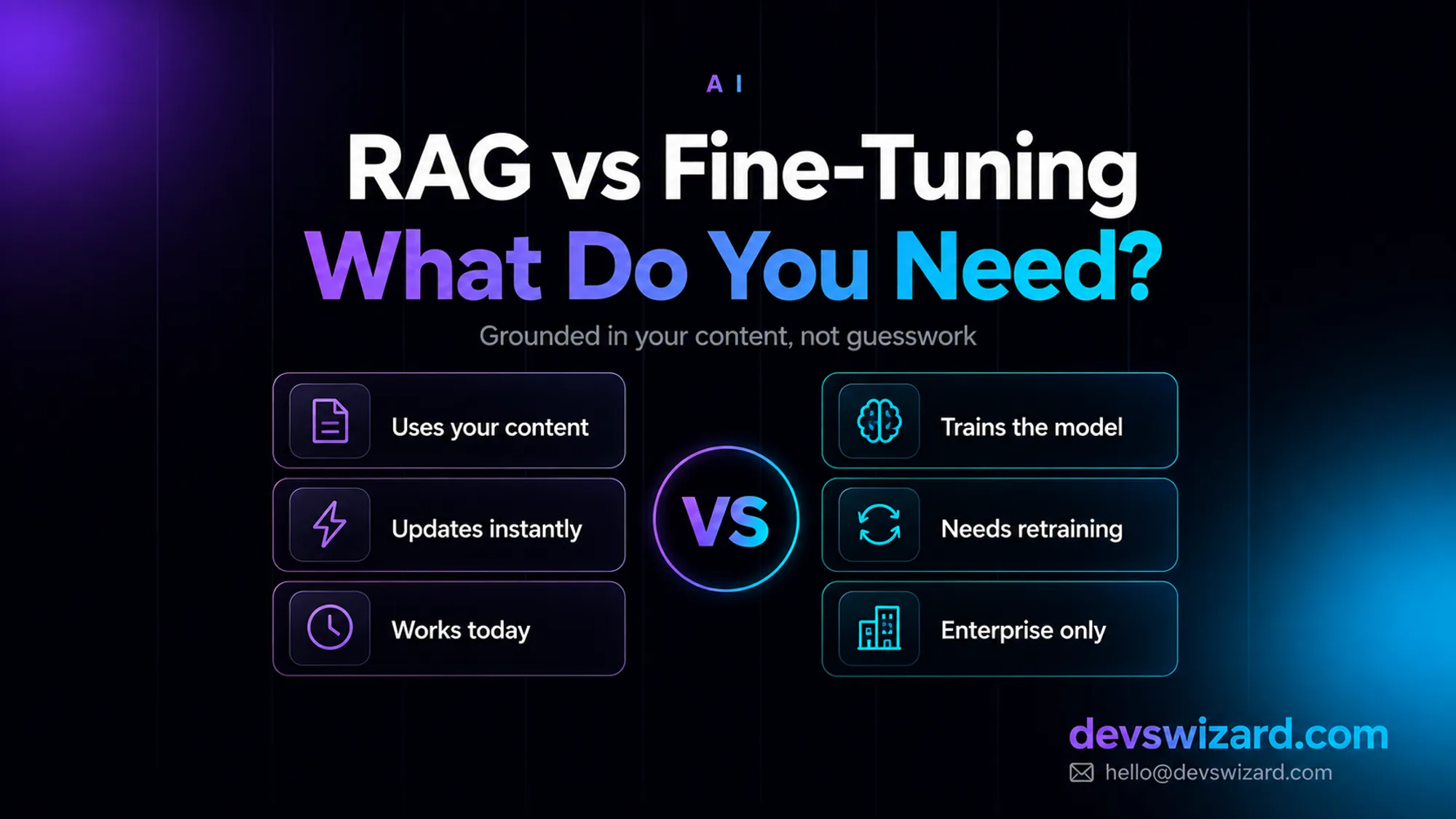
RAG answers from your content at query time for around $35–$70 a month; fine-tuning bakes knowledge into the model and isn't even offered as a self-serve option on Claude. What your business actually needs, and why it's usually not what you'd guess.