

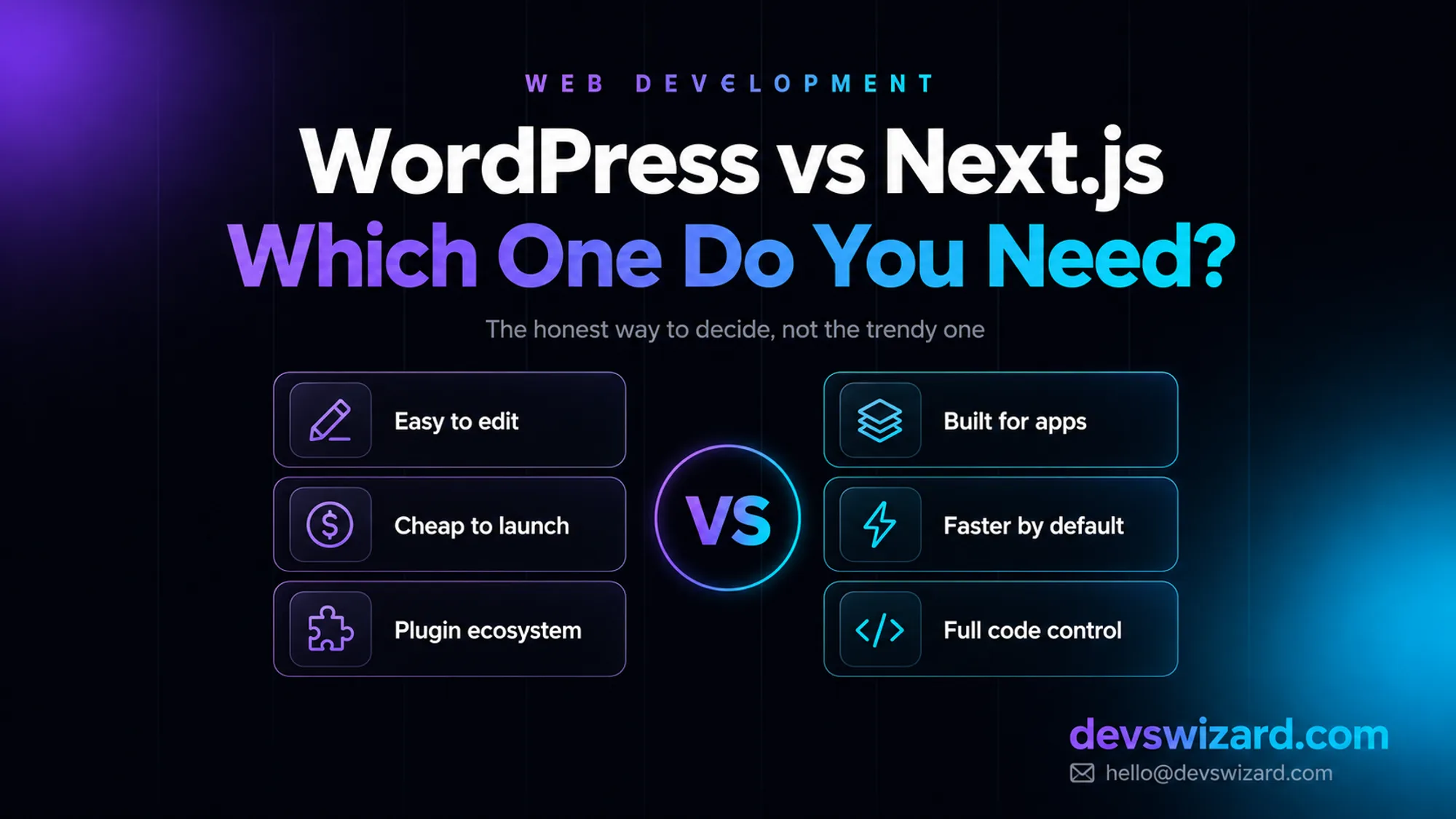
"Can you build it in Next.js? I want it to feel like the SaaS sites I keep seeing on Twitter."
That was the entire brief from a gym owner running four locations, and it is the kind of line we hear often enough to recognise the pattern behind it. He was not wrong to want a good site. He was solving for the wrong variable — picking the platform because it sounded modern, before anyone had worked out what the site actually needed to do.
Two questions later, the real shape of the project showed up. He posted a new class schedule and a promo three times a week himself, no developer involved. He also wanted members to book a class and pay online without calling the front desk. Those are two different jobs, and they do not want the same tool. Here is how that conversation went, because it is the same conversation worth having before anyone commits to either platform.
The first thing we opened on the call was a plain WordPress admin screen. Type in a box, hit publish, the class schedule is live — no developer, no deploy, no waiting.
He recognised it immediately — it was close to the admin he already fought with on his old site. The difference, we told him, would be what we built on top of it, not the software underneath.
Then we opened the class-booking idea: pick a class, pick a time, pay, get a confirmation, show up on a staff dashboard. Nothing about that is a page you publish — it is software that has to hold state, take a payment, and update a database in real time.
This is the part he had actually been picturing when he said "Next.js" — he just did not know yet that it only applied to a third of his site.
You or your team will edit the site. He was already posting three times a week. Handing that to a developer for every update would have meant him waiting on us instead of just publishing, which was the opposite of what he needed.
Content is the product. The schedule, the promos, the location pages — this is a publishing job, and WordPress is still the fastest way to keep publishing.
The budget is under $10,000. A WordPress site runs $500–$7,500 depending on complexity and is usually live in two to six weeks. His four-location marketing site landed at the lower end of that.
Nothing about the site is genuinely unusual. A shop, a portfolio, a booking form, a membership area — plugins already cover all of it reasonably well, right up until the booking form needs to talk to a payment terminal and a staff calendar at once.
The site has to do something software does, not a page. Real-time class availability, a paid booking, a staff dashboard showing who is coming in today — this is custom application territory, and a booking plugin would have fought him at every step past the basics.
Traffic or performance is not negotiable. A well-built Next.js booking flow loads and responds faster than a plugin bolted onto WordPress, because nothing is running that was not put there on purpose.
You are already paying developers to maintain it. Once a booking system needs real engineering anyway, WordPress's edit-anywhere convenience stops buying anything on that part of the site.
Security has to be tight. Card payments and member data are not where you want the largest attack surface on the internet. Fewer moving parts, no plugin marketplace to inherit vulnerabilities from.
This is the table we actually drew on the call, gym booking and everything else included:
| Factor | WordPress | Next.js |
|---|---|---|
| Who can edit content | Anyone, no developer needed | Needs a developer, or a headless CMS on top |
| Time to launch | 2–6 weeks for most sites | 2–4 months for a real application |
| Typical cost | $500–$7,500 | $7,500 and up |
| Hosting | Roughly $10–$30/month, shared or managed | Usually more, scales with traffic and complexity |
| Performance ceiling | Good if built well, drags under plugin bloat | High by default |
| Best at | Content, marketing sites, stores | Dashboards, logged-in apps, custom logic |
| Ongoing cost | Plugin and core updates — $150–$750/month maintained | Dependency updates, server monitoring |
Neither wins outright. WordPress optimises for who can touch the site after launch; Next.js optimises for what the site can do. His project needed both columns, just for different pages.
The tidy answer would have been headless WordPress: content written in WordPress as normal, a Next.js front end fetching it over the API for speed on the public side. We floor-tested it and talked him out of it — his part-time social media hire barely tolerated the plain WordPress admin, and adding an API layer between her and the published page would have meant a developer in the loop for every layout tweak, the exact thing he was trying to avoid.
What we built instead was two systems that stayed separate on purpose: WordPress running the marketing site and blog exactly as she already knew it, and a standalone Next.js booking application linked from the main navigation, sharing the same branding but not the same codebase. Less elegant on a slide, more honest about who actually had to use each half.
Your team will publish content and the budget is under $10,000 → WordPress. It is the faster, cheaper, correctly-sized answer for most businesses, and there is no reason to pay more for flexibility you will not use.
The site is really an application — accounts, dashboards, data, logic → Next.js. WordPress will eventually break under a job it was never built for, usually at the worst moment.
Both, on different pages → build them as two systems, not one compromise. That is what shipped for the gym: a WordPress marketing site in three weeks, a Next.js booking app nine weeks after that, and a social media hire who still has never opened a code editor.
If you are not sure which bucket your project falls into, that is normal — most people are not developers and should not have to guess. Tell us what the site needs to do and we will give you a straight answer, including when the cheaper option is the right one.
Yes, and it is a normal path — start on WordPress to launch fast and validate the business, then rebuild in Next.js once part of the site needs to do something WordPress cannot. Content migrates; the trick is mapping URLs so you keep the search rankings you already earned.
By default, yes, because it starts with nothing running that you did not add. But a well-optimised WordPress site with proper caching regularly outperforms a badly built Next.js app — the platform sets the ceiling, the build quality decides how close you get to it.
It can, with the right hosting and caching, but it takes more tuning than Next.js needs to hit the same numbers. If traffic is already large or spiky, Next.js gets there with less ongoing effort.
Tell us what you are building. We reply within 24 hours — no sales team, no follow-up sequence.
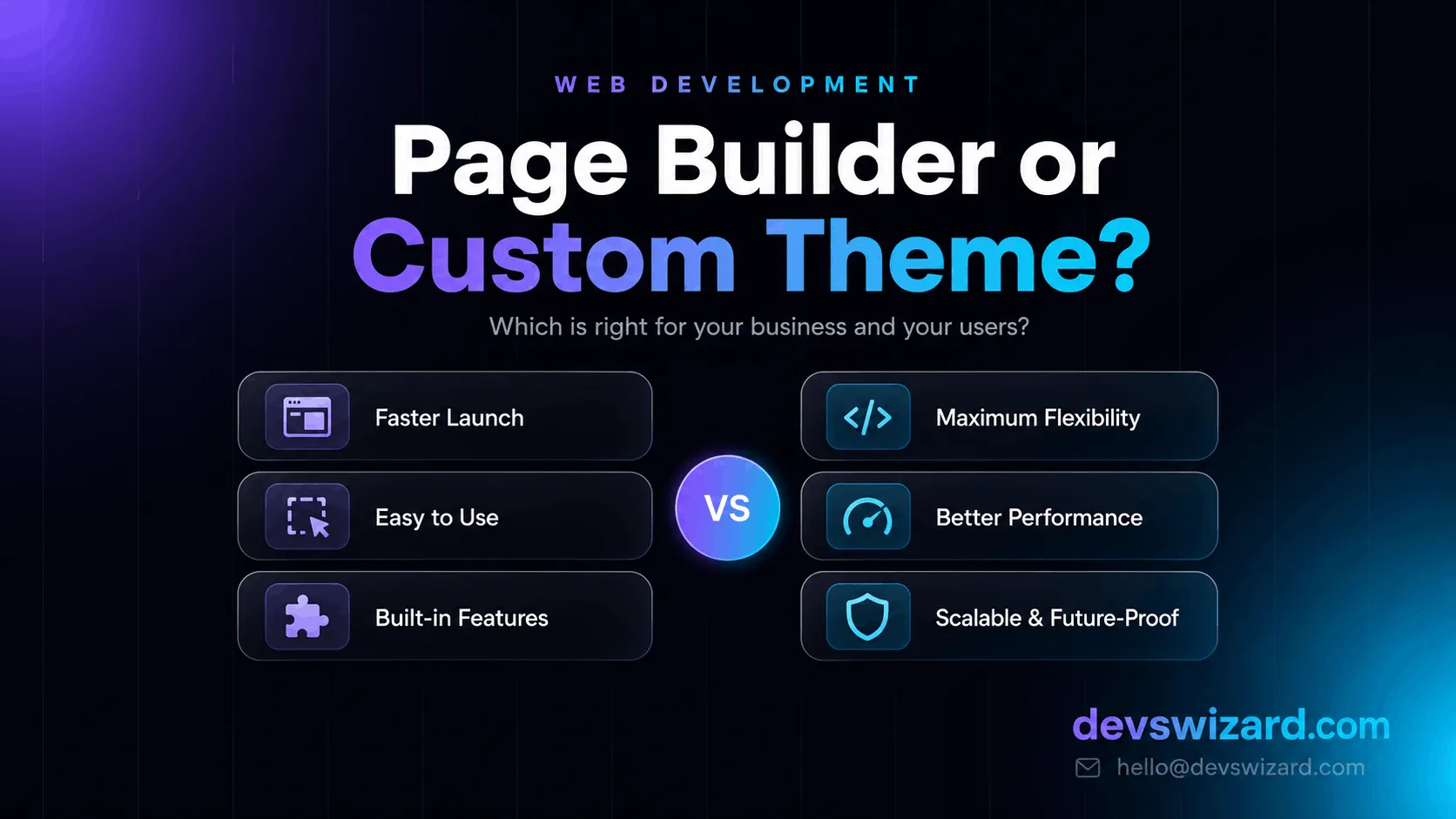
Page builders like Elementor and Divi promise speed, but they come with tradeoffs. Here's how to decide between a page builder and a custom WordPress theme for your business.
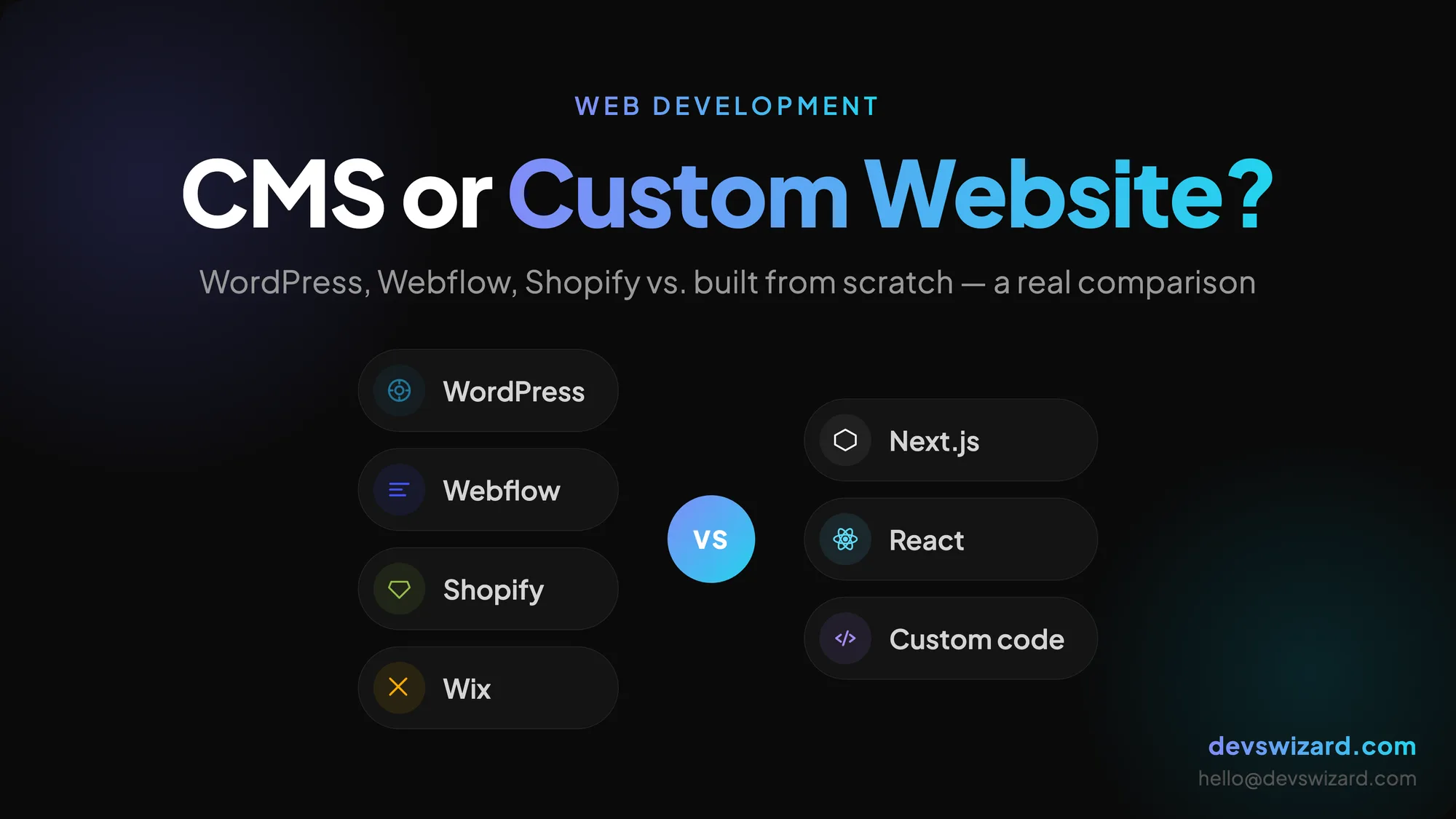
Not sure whether to pick WordPress, Webflow, or a custom-built site? Here's a plain-English breakdown of when each option actually makes sense — with real trade-offs, not sales talk.
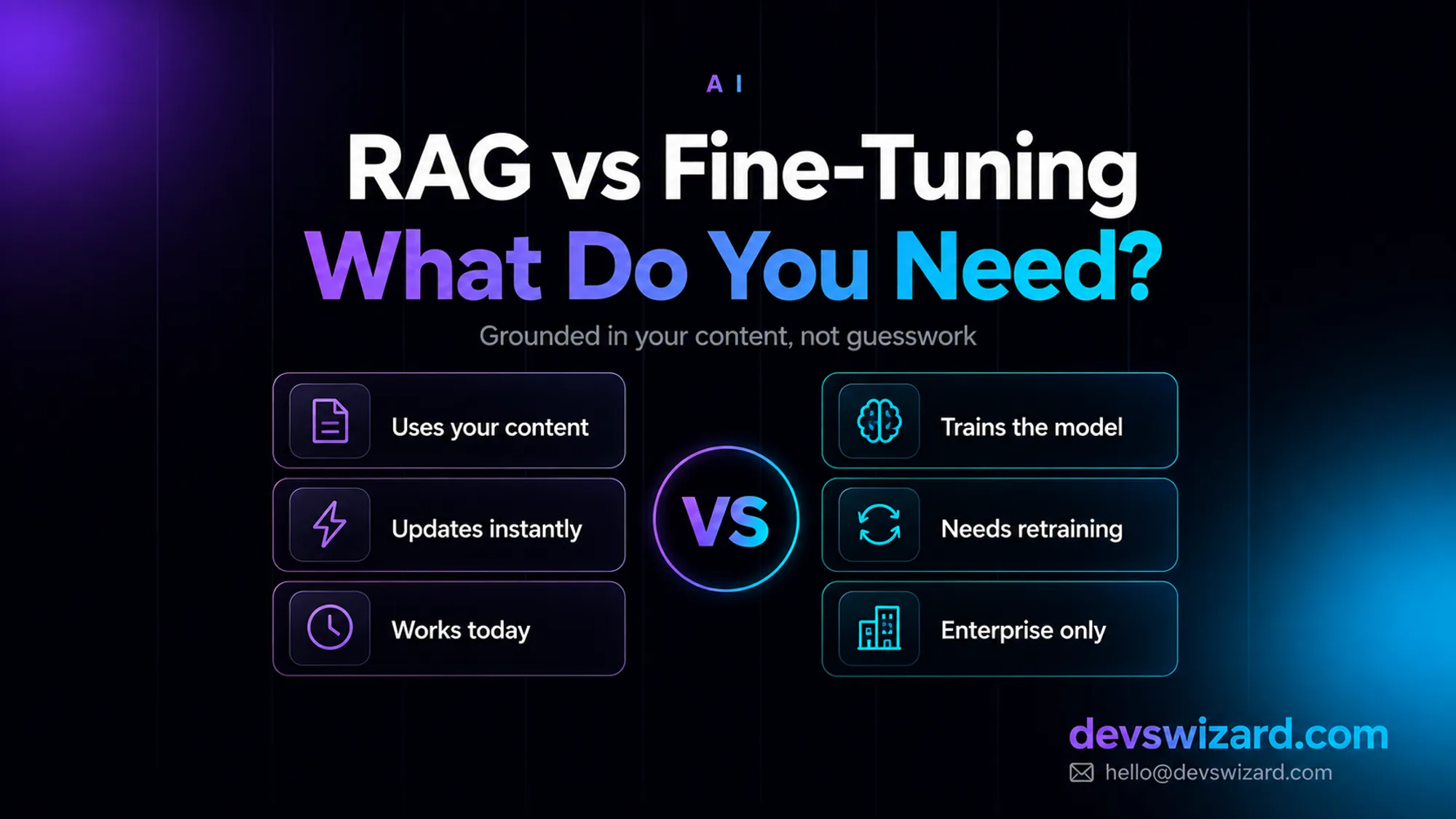
RAG answers from your content at query time for around $35–$70 a month; fine-tuning bakes knowledge into the model and isn't even offered as a self-serve option on Claude. What your business actually needs, and why it's usually not what you'd guess.