

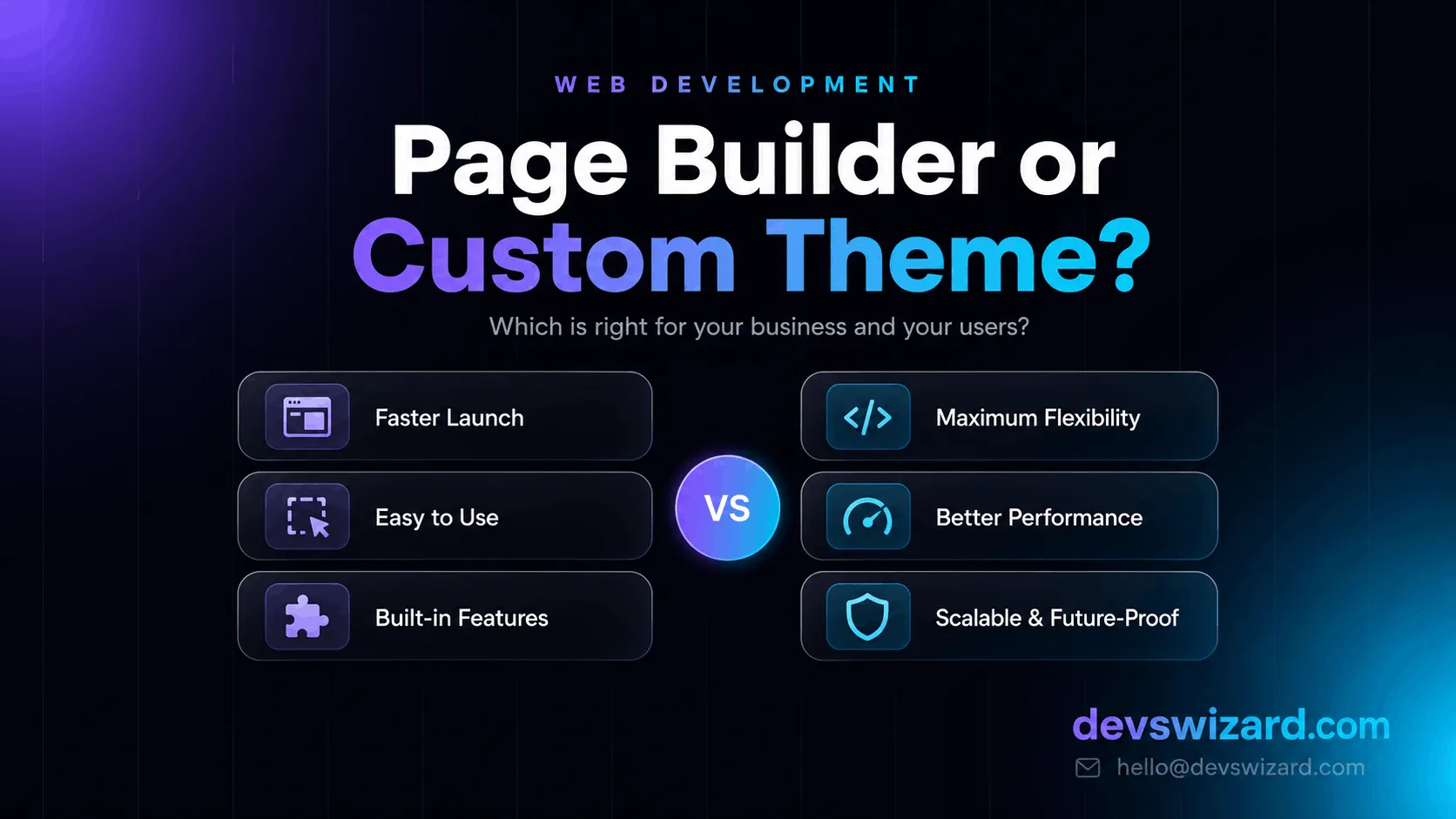
If you're building on WordPress, this decision lands early: use a page builder like Elementor, Divi, or Beaver Builder — or invest in a custom-coded theme built specifically for your site. Both routes get you a working website. They don't get you the same website.
Here's how the two actually compare, so you can make the call yourself — not on what sounds more impressive, but on what your business actually needs.
A page builder is a drag-and-drop tool that lets you design pages visually, in the browser, without touching code. You pick a section, drop in a widget, adjust the spacing, and see the result in real time.
The ones you'll run into most:
All of them get you online fast and let non-technical team members make edits later without calling a developer. That's genuinely useful. But they share one trait: they wrap your content in extra code — their own CSS, JavaScript, and widget library — and most of it loads on every page whether you use it or not.
A custom theme is built from scratch for one site, in code — usually PHP templates with hand-written HTML and CSS. Every line exists because the site needs it. There's no unused widget library sitting in the background, no generic framework trying to handle a hundred use cases you'll never touch.
The difference shows up first in speed: a custom theme loads faster because there's simply less to load. It also shows up in control — when something needs to work a specific way, a custom theme can be built to do exactly that, instead of stacking plugins until it roughly fits.
Reach for a page builder when:
Speed to launch matters most. If you need something live this week and it doesn't need to do anything unusual, a builder gets you there.
The budget is tight and the site is simple. A well-built Elementor or Beaver Builder marketing site looks great and performs fine for a brochure site, portfolio, or landing page.
Your team will edit it themselves. Page builders are made for non-technical users. If you don't want to depend on a developer for every small change, that counts for a lot.
You're testing an idea. Get online, prove the business out, and rebuild properly later if it takes off.
Go custom when:
Performance is critical. Page-builder sites — especially heavy Elementor or Divi builds — can be slow, and page speed affects how well you rank on Google and how many visitors convert. A hand-coded theme is usually significantly faster.
You need specific functionality. Booking flows, custom pricing calculators, CRM integrations, role-based dashboards — a builder will fight you at every step. This is custom application territory, and custom wins.
You're building to scale. Heavy traffic, complex data, or a product that will keep growing — a custom foundation holds up far better than a stack of plugins.
You want maintenance to stay boring. Fewer moving parts means fewer things that break when WordPress core, the builder, and a dozen plugins all update in the same week. When you do want a hand keeping it fast and patched, that's what a maintenance plan is for.
| Factor | Page Builder | Custom Theme |
|---|---|---|
| Launch speed | Faster to get live | Takes longer upfront |
| Page load speed | Slower (extra CSS/JS overhead) | Faster (only what's needed) |
| Upfront cost | Lower | Higher |
| Long-term cost | Higher (plugins, fixes, subscriptions) | Lower (fewer moving parts) |
| Editing without a developer | Easier | Depends on admin setup |
| Custom functionality | Limited, plugin-dependent | Built to spec |
| Update/maintenance risk | Higher (builder + plugin + core compatibility) | Lower (fewer dependencies) |
| Design uniqueness | Often recognizable/templated | Fully custom |
Neither column is "better." They're different tools for different jobs.
It isn't strictly either/or. A common middle ground is a lightweight custom theme with a page builder switched on only for the marketing pages your team edits often — fast where it counts, flexible where it helps. Another is building custom blocks for the native Gutenberg editor, so your team edits in a familiar interface while the code underneath stays lean.
If you're not sure which layer belongs where, that's exactly the kind of thing worth scoping before a single line gets built.
A quick way to think about it:
If your site is simple, content-driven, and edited by your own team → a page builder is a reasonable starting point. It gets you online, and you can always rebuild later once the business proves out.
If you depend on the site for lead generation or sales, need functionality a builder handles awkwardly, or expect real traffic → a custom theme is the better long-term investment. It costs more to build and less to run.
The honest answer is that this isn't really a "better or worse" question — it's a "what does this business actually need" question. A five-page brochure site and a booking platform with 10,000 monthly visitors have very different requirements, and the right build reflects that.
We build both, and we'll tell you honestly which one fits your project. If you want a second opinion, get in touch — no obligation, just a straight answer.
Tell us what you are building. We reply within 24 hours — no sales team, no follow-up sequence.
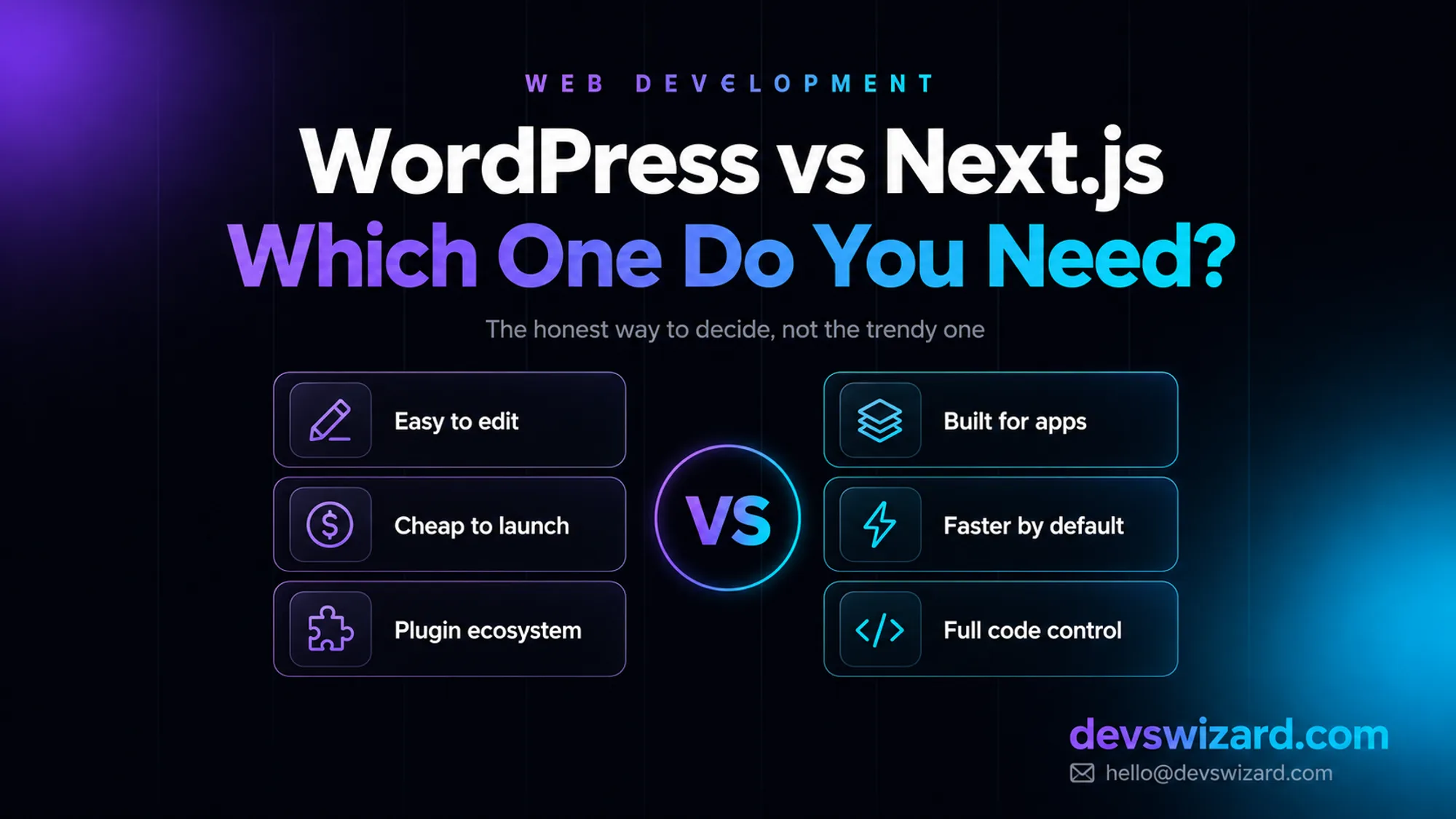
A gym owner asked for a Next.js site because it looked modern on Twitter. What he actually needed was a $500–$7,500 WordPress site for the marketing pages, plus one thing WordPress could never do well.
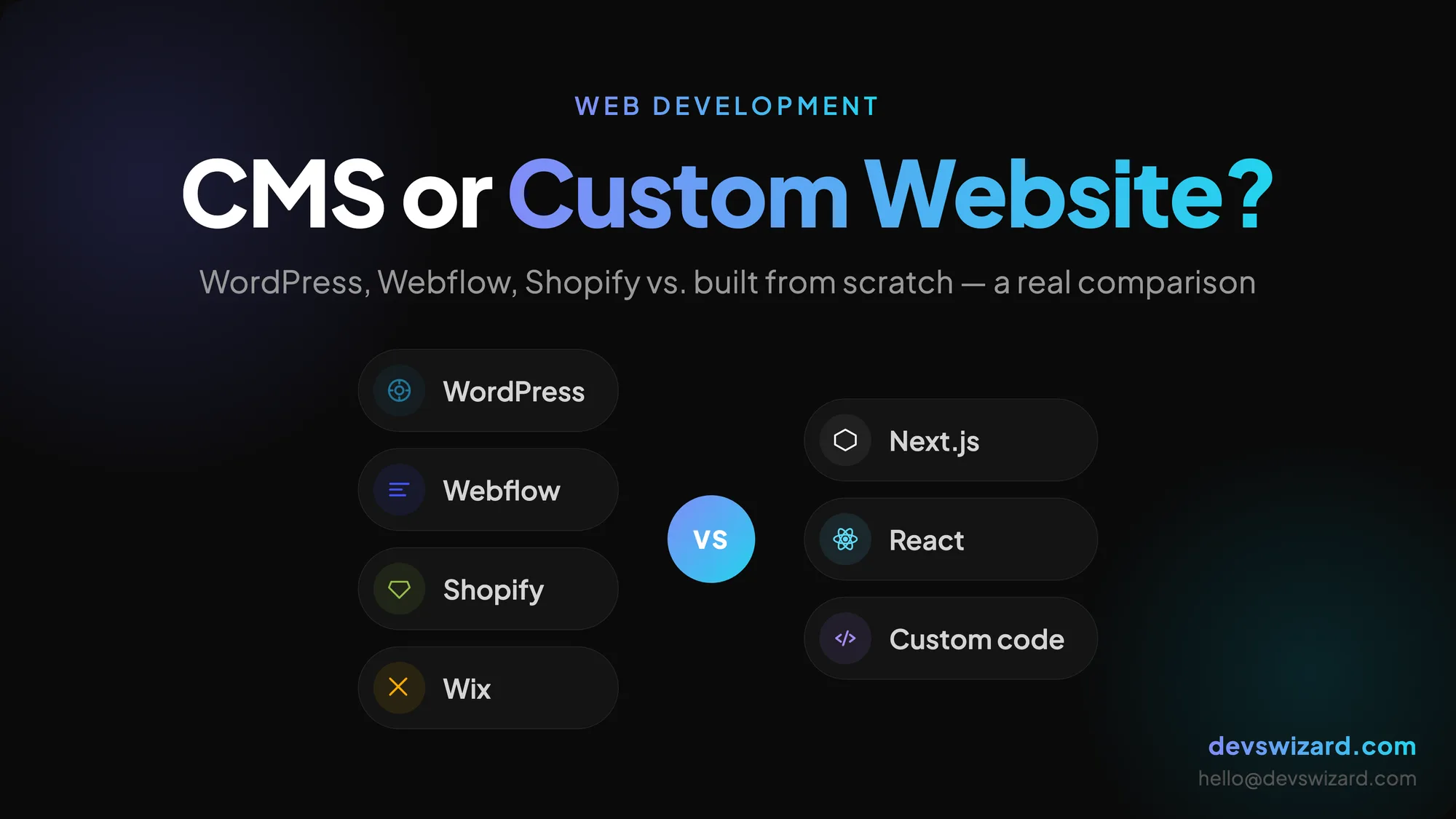
Not sure whether to pick WordPress, Webflow, or a custom-built site? Here's a plain-English breakdown of when each option actually makes sense — with real trade-offs, not sales talk.
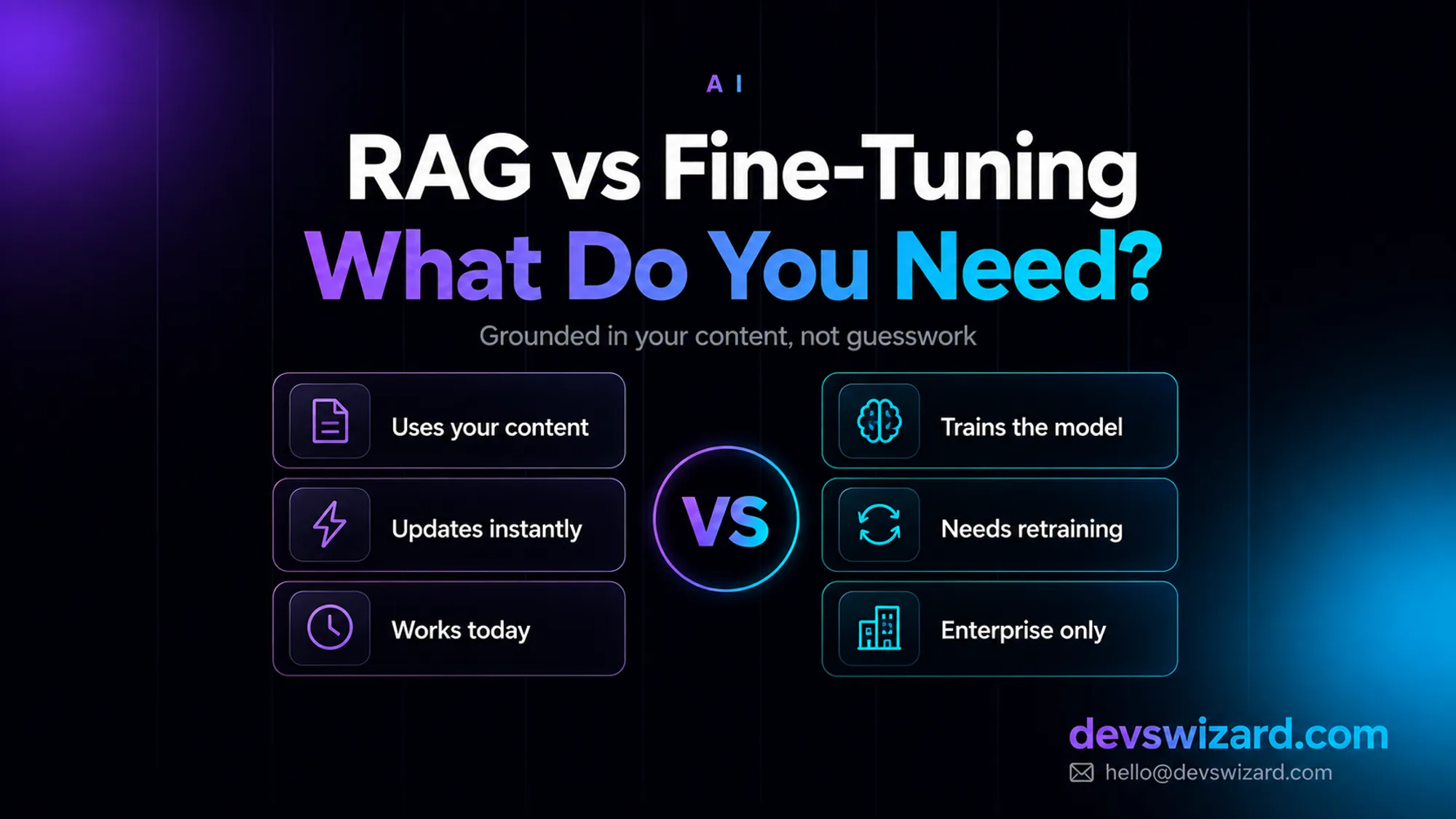
RAG answers from your content at query time for around $35–$70 a month; fine-tuning bakes knowledge into the model and isn't even offered as a self-serve option on Claude. What your business actually needs, and why it's usually not what you'd guess.