

Nobody asks about WordPress security on a normal Tuesday. They ask the week a competitor's site starts redirecting to a pharmacy shop, or the week Google puts a red warning screen in front of their own.
The belief that keeps small businesses exposed is that they are too small to be worth attacking. Nothing chose you. Bots scan the whole internet for one specific vulnerable plugin version and hit whatever answers, whether it belongs to a bakery in Leeds or a bank in Toronto.
Here is the checklist we work through on client sites, in the order that actually reduces risk, and the security theatre you can skip.
WordPress core is not the problem. In 2025 there were 11,334 new vulnerabilities disclosed across the WordPress ecosystem, up 42% on the year before — and Patchstack's 2026 report puts 91% of them in plugins and 9% in themes. Core itself had six, all low priority.
One more number worth holding on to: 43% of those vulnerabilities could be exploited without logging in at all. Strong passwords are necessary and they do not cover those — nobody needs your password if the plugin lets them in without one.
So the risk is not WordPress. It is the twenty to thirty third-party plugins bolted onto it, plus whoever still has an admin login.
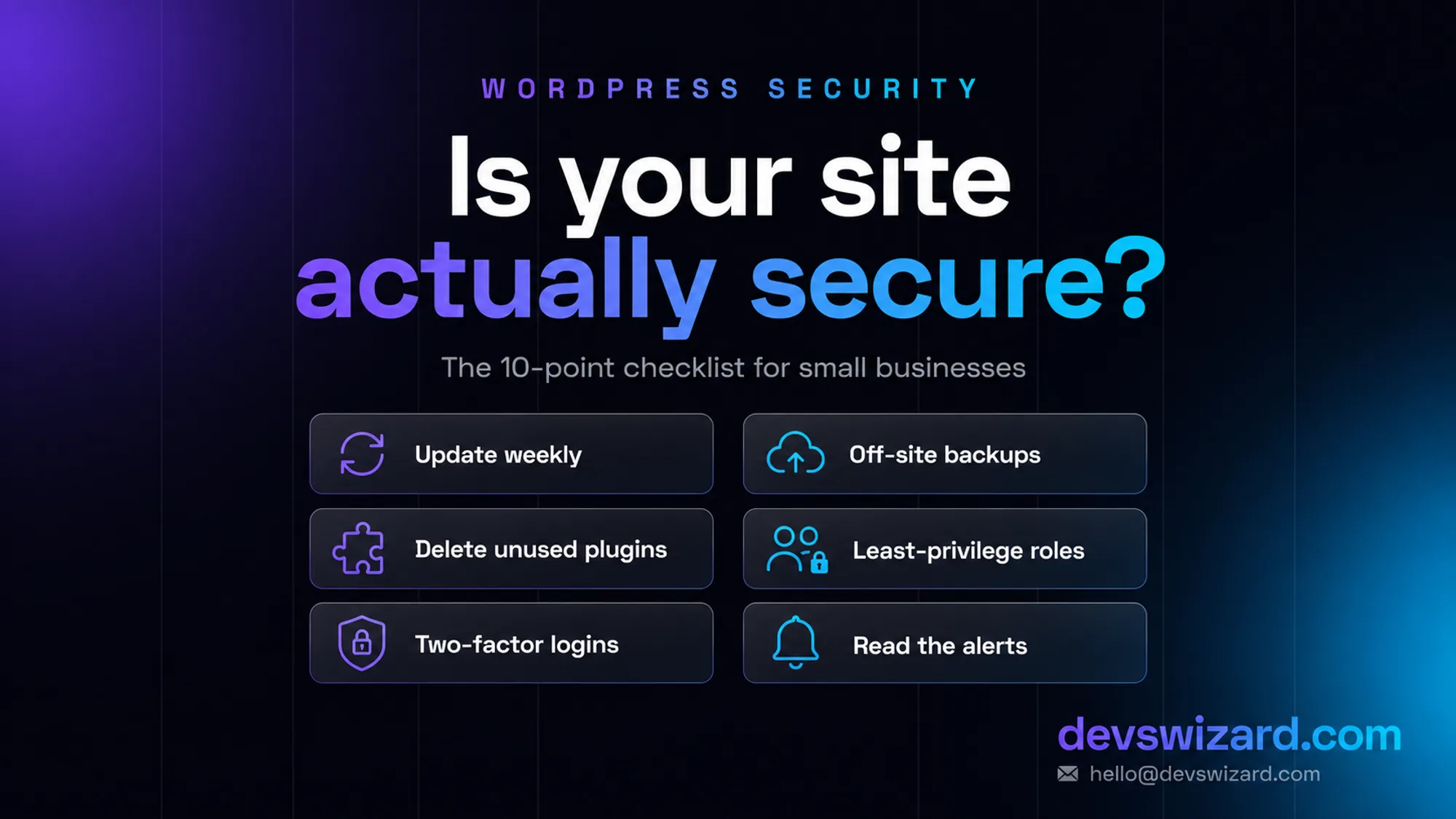
Update weekly, and on a staging copy if the site earns money. This is the whole game. Most hacked sites we clean up were running a plugin with a patch published months earlier. Updates break things occasionally — that is an argument for testing them on a copy, not for skipping them.
Delete every plugin and theme you do not use. Deactivating is not removing. The files still sit on the server, and a vulnerability in a deactivated plugin can still be reachable. Fewer plugins is a security decision as much as a speed one.
Never install a nulled or "free premium" plugin. Those cracked copies of paid plugins are the most reliable way to install a backdoor on purpose. The licence you avoided is typically $40–$100 a year. The cleanup is not.
Two-factor on every administrator account. A password alone loses to credential stuffing, because your team reuses passwords from a service that was breached two years ago. 2FA turns a stolen password into a failed login.
Give people the smallest role that works. Most people who "need access" need Editor, not Administrator. And when someone leaves — a staff member, a freelancer, the agency before us — delete the account that day rather than changing the password later.
Put something in front of the login page. Rate-limit login attempts so bots get locked out after a handful of tries. A free Cloudflare account plus one security plugin covers this and most casual scanning traffic.
Back up off-site, and restore one on purpose. A backup on the same server as the site is not a backup — ransomware and server failures take both. Test-restore one twice a year, because an untested backup is a guess. More on the schedule in how to maintain a website long-term.
Turn off the built-in file editor. WordPress lets an administrator edit theme and plugin PHP straight from the dashboard, which means a stolen admin login becomes code execution. One line in wp-config.php removes it:
define( 'DISALLOW_FILE_EDIT', true );
Stay on a supported PHP version and decent hosting. An old PHP version stops receiving security fixes while your site keeps running on it. Cheap shared hosting where one compromised neighbour infects everyone is a false economy — this is worth paying for on any site that makes money.
Watch it, and read the emails. Malware scanning, uptime monitoring and SSL expiry alerts are all free or nearly free, and worthless if the alerts go to an inbox nobody opens. Pick a person, not a mailbox.
Not all security advice earns its place.
Hiding your login URL is not protection. It cuts noise in your logs. It stops nothing that has your admin password, and it will lock your own team out often enough to become a support ticket.
Do not stack three security plugins. They fight each other, slow the site, and each one adds code that can itself be vulnerable. One, configured properly.
Changing the database table prefix on a live site is a genuine risk of breaking it for a theoretical gain. Fine on a new build, not worth touching afterwards.
Blocking every country except yours feels decisive and mostly blocks customers. Attack traffic moves to whatever address range works.
Doing it yourself is free and takes one to two hours a month, plus the discipline to actually do it in a busy month. That is genuinely enough for a brochure site that changes twice a year.
Paying someone starts to make sense when the site takes payments or bookings, when a day of downtime hurts, or when nobody in the building wants to own it. Our maintenance plans run $150/month for brochure sites, $350/month for stores and $750/month for custom applications and servers, and one-off work — a hardening pass, a malware cleanup, a rescue on a site that is already down — starts at $300.
Set that against the other bill. A malware cleanup with blocklist removal is a few hundred to a couple of thousand, and it arrives with days of lost traffic attached, because Google shows visitors a warning screen throughout. An online store that cannot take payments for a weekend loses whatever a weekend is worth.
Work in this order.
It gets attacked more because it runs a large share of the web, which makes it the best target for automated scanning. The vulnerabilities themselves are overwhelmingly in add-ons rather than core — 91% plugins, 9% themes in 2025.
Usually not. A free tier plus consistent updates covers most small sites. Paid tiers mainly buy faster virtual patching for newly disclosed vulnerabilities, which matters most on stores and busy sites.
Hosting keeps the server patched and blocks some traffic. It does not update your plugins, notice a rogue admin account, or check that your backups restore. Treat it as one layer, not the plan.
Get it looked at before spending anything. We run a free health check that takes about an hour and comes back as a plain list of what is out of date, exposed or already compromised — whether you hire us or not.
The sites that never have a bad week are not the ones with the most security plugins. They are the ones where updates happen on a schedule, unused things get deleted, and one named person reads the alerts.
Tell us what you are building. We reply within 24 hours — no sales team, no follow-up sequence.
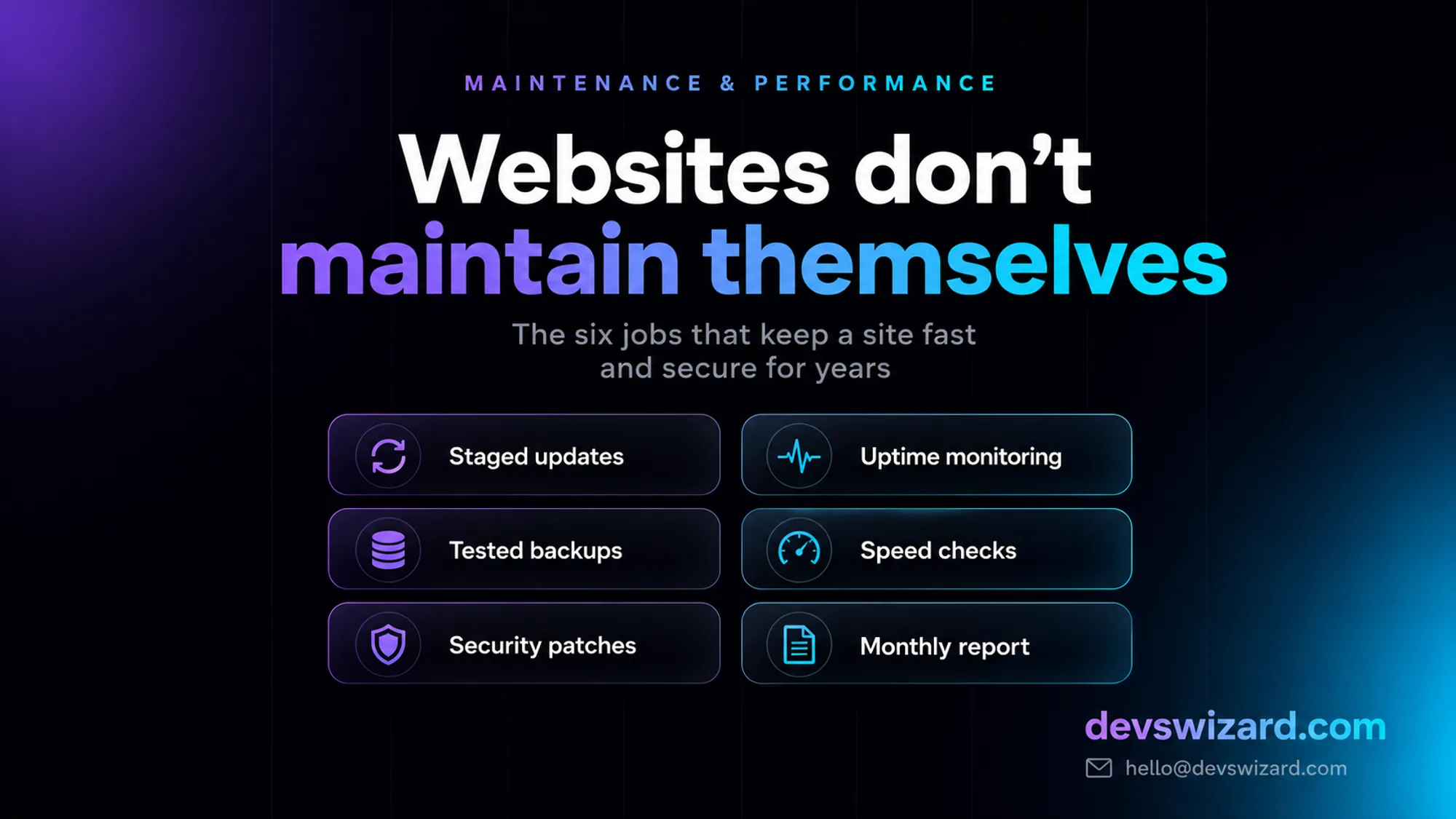
Websites do not break in one dramatic event — they drift. Here are the six maintenance jobs that keep a WordPress, store or custom site fast and secure for years, and what each route costs.
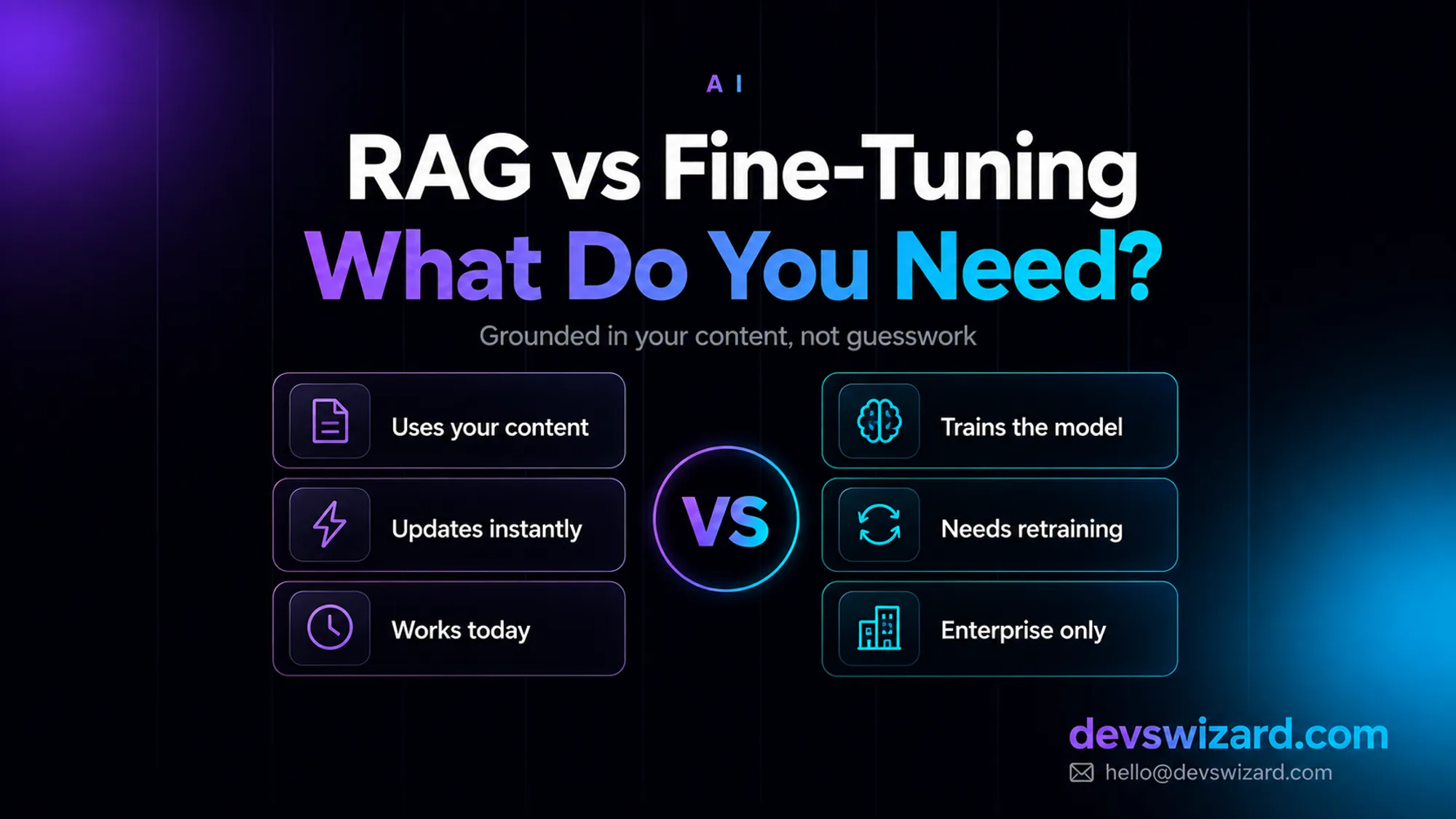
RAG answers from your content at query time for around $35–$70 a month; fine-tuning bakes knowledge into the model and isn't even offered as a self-serve option on Claude. What your business actually needs, and why it's usually not what you'd guess.
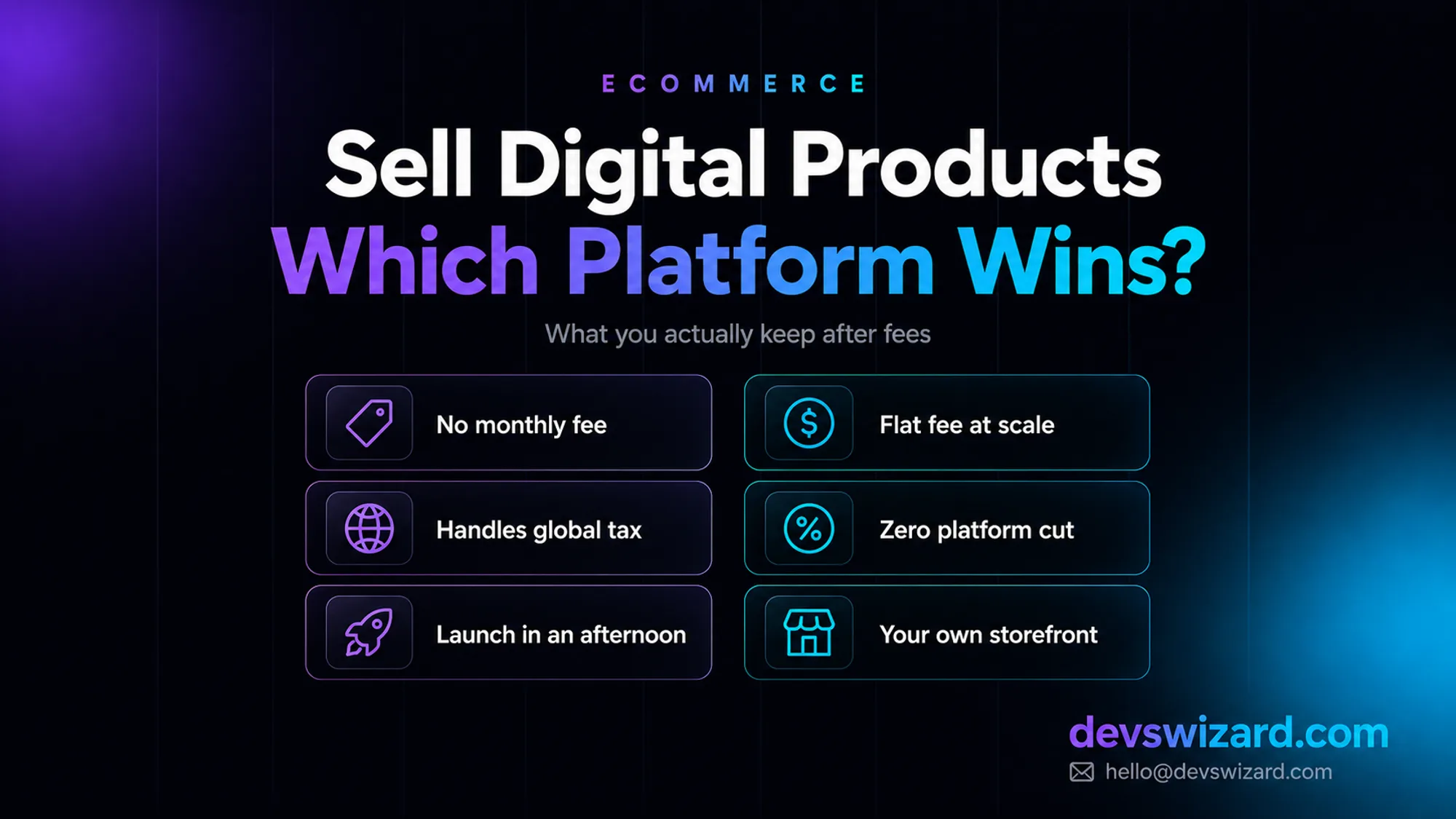
Gumroad takes 10% and Lemon Squeezy roughly 5%, both with no monthly fee; Sellfy and Podia flip that to a $29–$150 monthly charge with 0% cut. What you actually keep on a $79 sale, once a month and at $5,000 a month, decides which one is worth it.